This page brings together a selection of focused how-to guides that help you download data from the Climate Data Store (CDS). Whether you want to download specific drought data, or explore other data sets on the CDS, these short guides provide clear, step-by-step instructions to support your work.
You can browse through the CDS to explore datasets, and use the search function on the website to find topical datasets; the image below shows the landing page of the CDS.
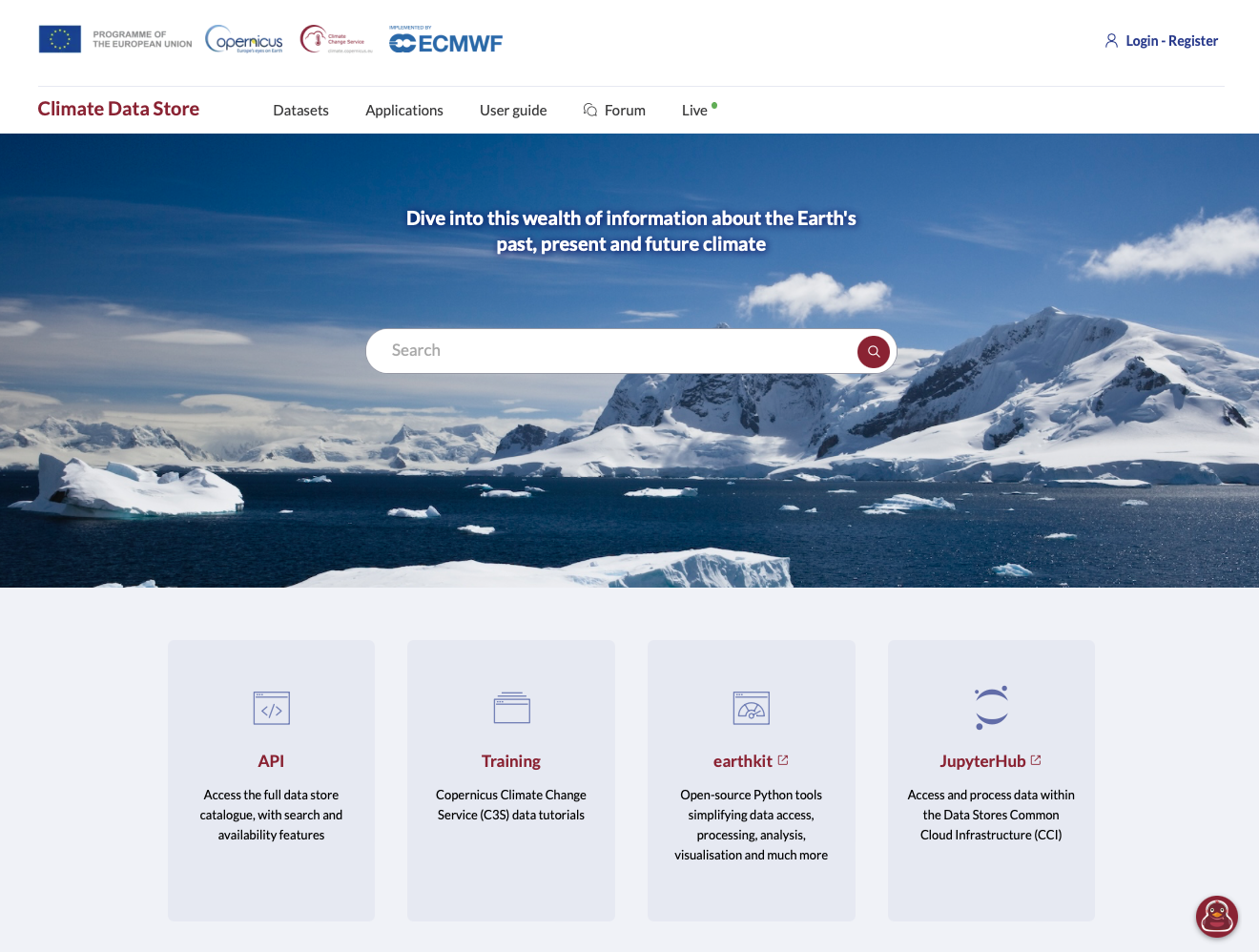
For more info o the CDS, you can consult the CDS User Guide.
Download options for the CDS
Once you have selected a dataset, you have two options to download data from the CDS:
CDS web interface: through manual selections via the web interface, accessible at the Download tab of each dataset.
CDS Application Programming interface: through a dedicated CDS Application Programming Interface (API). Instruction on how to set this up, see here.
For either option, you need to be a registered user in the CDS — please register through the CDS homepage.
Using the web interface, you can manually select variables, the time span, and the region and the submit the request to the system. The result is a downloadable netCDF or zip file. Just click on Download on the dataset site and click through the sections. You have to accept the license before you can submit the request.
Using the CDS API, you can download the data directly from within python. Please note: you can use the CDS web interface to construct the API request for python. Just open the web interface, click your way through the sections, and then click the ‘Show API request’ button to get the code that you need to copy into python.
Download historical SPI-6 from ERA5 using the CDS API
import cdsapi

dataset = "derived-drought-historical-monthly"
request = {
    "variable": ["standardised_precipitation_index"],
    "accumulation_period": ["6"],
    "version": "1_0",
    "product_type": ["reanalysis"],
    "dataset_type": "consolidated_dataset",
    "year": ["2023"],
    "month": [
        "01", "02", "03",
        "04", "05", "06",
        "07", "08", "09",
        "10", "11", "12"
    ]
}

client = cdsapi.Client()
client.retrieve(dataset, request).download()
2025-11-27 17:12:28,215 WARNING [2025-10-30T00:00:00] Downloading data from this dataset requires that the user be registered with the CDS. The use of the API requires a CDS API key.
2025-11-27 17:12:28,215 INFO Request ID is 3e252929-e894-49de-a2eb-55d466d978ac
2025-11-27 17:12:28,261 INFO status has been updated to accepted
2025-11-27 17:12:33,114 INFO status has been updated to running
2025-11-27 17:15:19,794 INFO status has been updated to successful
'b61f10e649d8859a04eeafe69c5f66ea.zip'This code downloads the global SPI-6 for all months in 2023 using the ERA5-Drought data set.
Download only a subset
If you do not require global data, but only data for, e.g., Mozambique, you can set the extent of the data to be downloaded. The code below downloads the SPI-6 as above but only for the extent of Mozambique using the key area ([North, West, South, East]).
import cdsapi

dataset = "derived-drought-historical-monthly"
request = {
    "variable": ["standardised_precipitation_index"],
    "accumulation_period": ["6"],
    "version": "1_0",
    "product_type": ["reanalysis"],
    "dataset_type": "consolidated_dataset",
    "year": ["2023"],
    "month": [
        "01", "02", "03",
        "04", "05", "06",
        "07", "08", "09",
        "10", "11", "12"
    ],
    "area": [-10, 30, -27, 41]
}

client = cdsapi.Client()
client.retrieve(dataset, request).download()